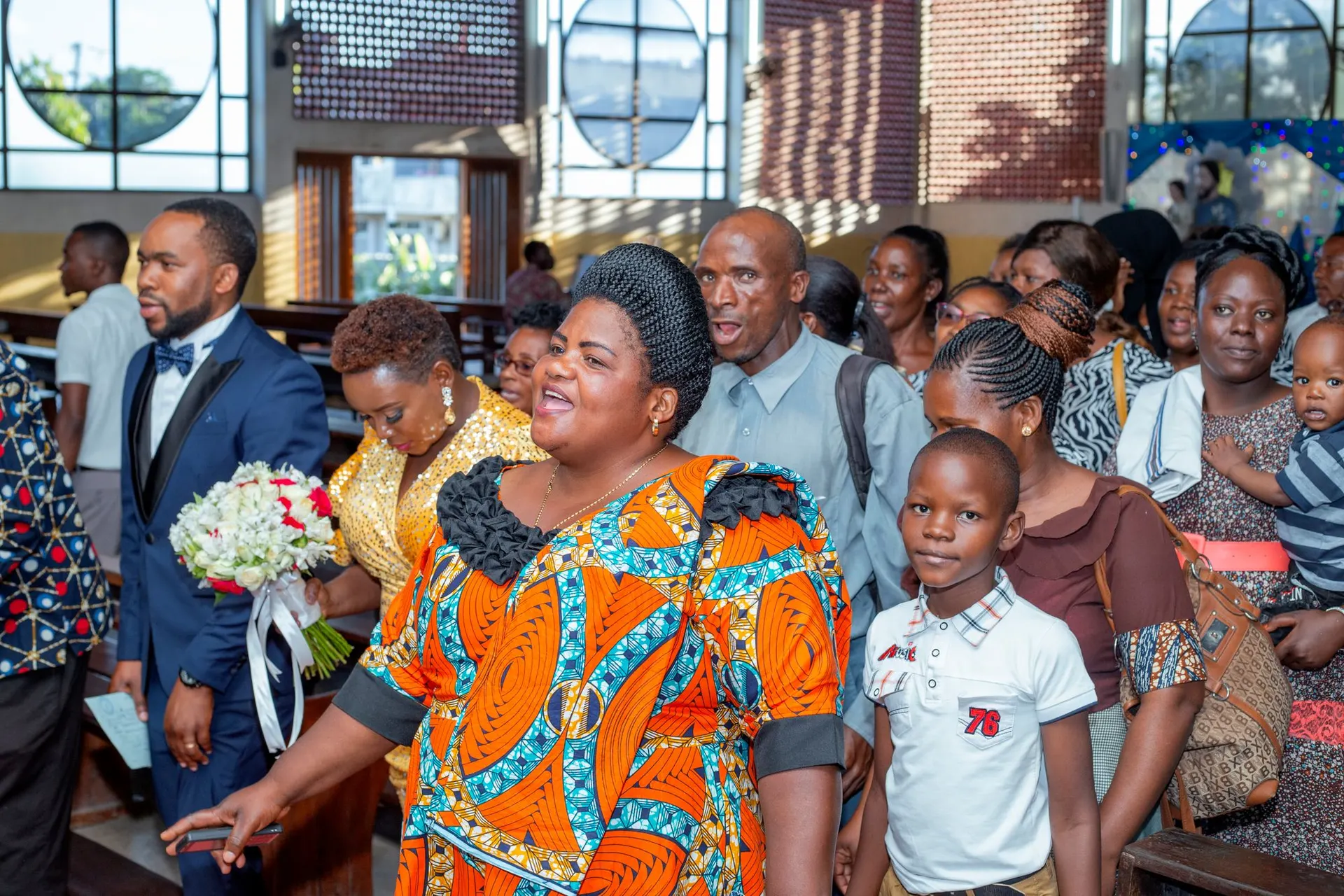
How it goes through the week.
Members, families and church offices, with privacy built in.
9:00am
Bring your list
Monday. Import your existing spreadsheet. PillarAid spots duplicates and lets you merge them.8:30am
Let people join
Sunday. Put the QR join poster at the entrance. Newcomers register themselves on their phone.11:00am
Set who sees what
Monday. Give each role only what it needs. Members choose what the directory shows about them.
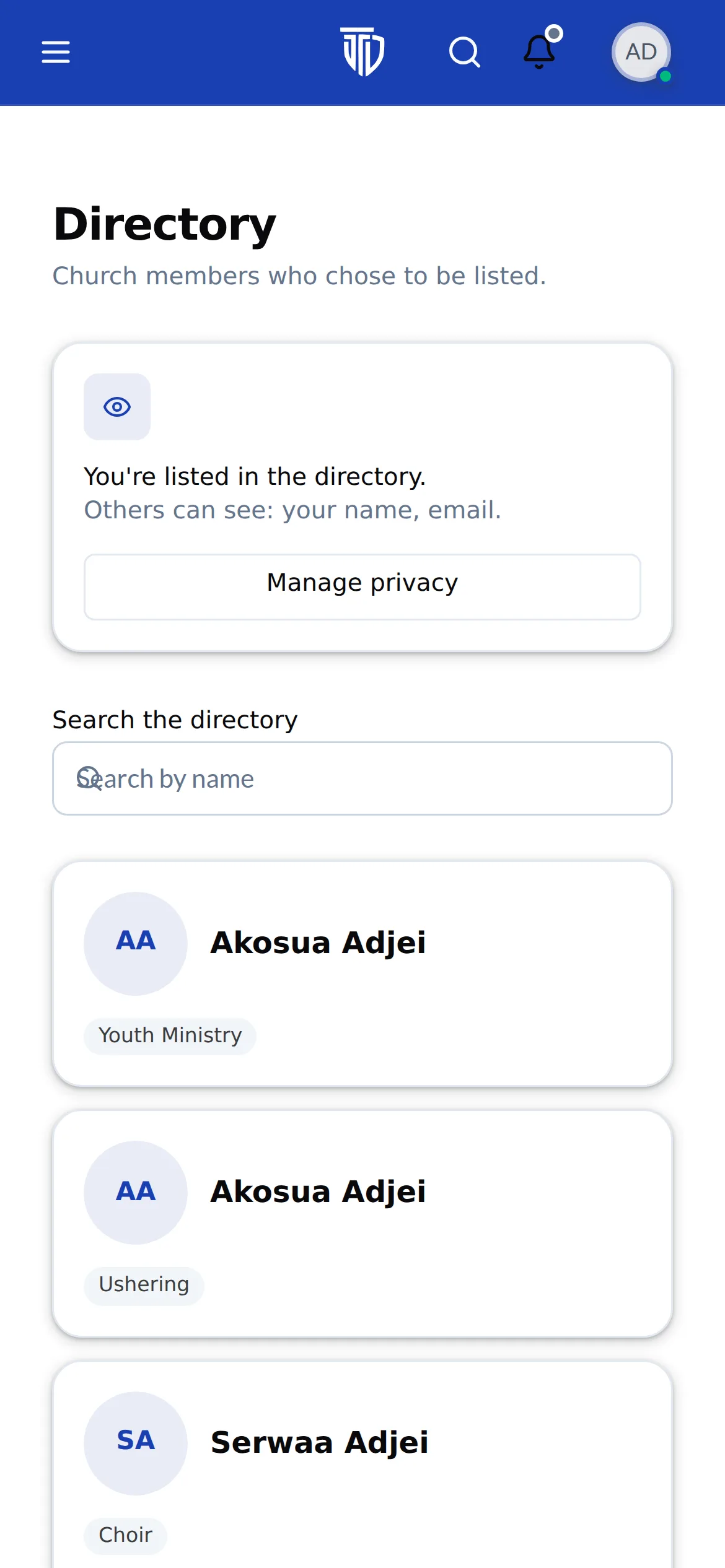
Families, not just names.
Link spouses, children and relatives once. Family check-in and giving statements just work, and a child's record stays with their family.
The Mensah household
4 people- Kofi MensahHead of household. Elder
- Akosua MensahSpouse. Women's Fellowship
- Ama MensahChild, 12. Children's Church
- Kwabena MensahChild, 8. Children's Church
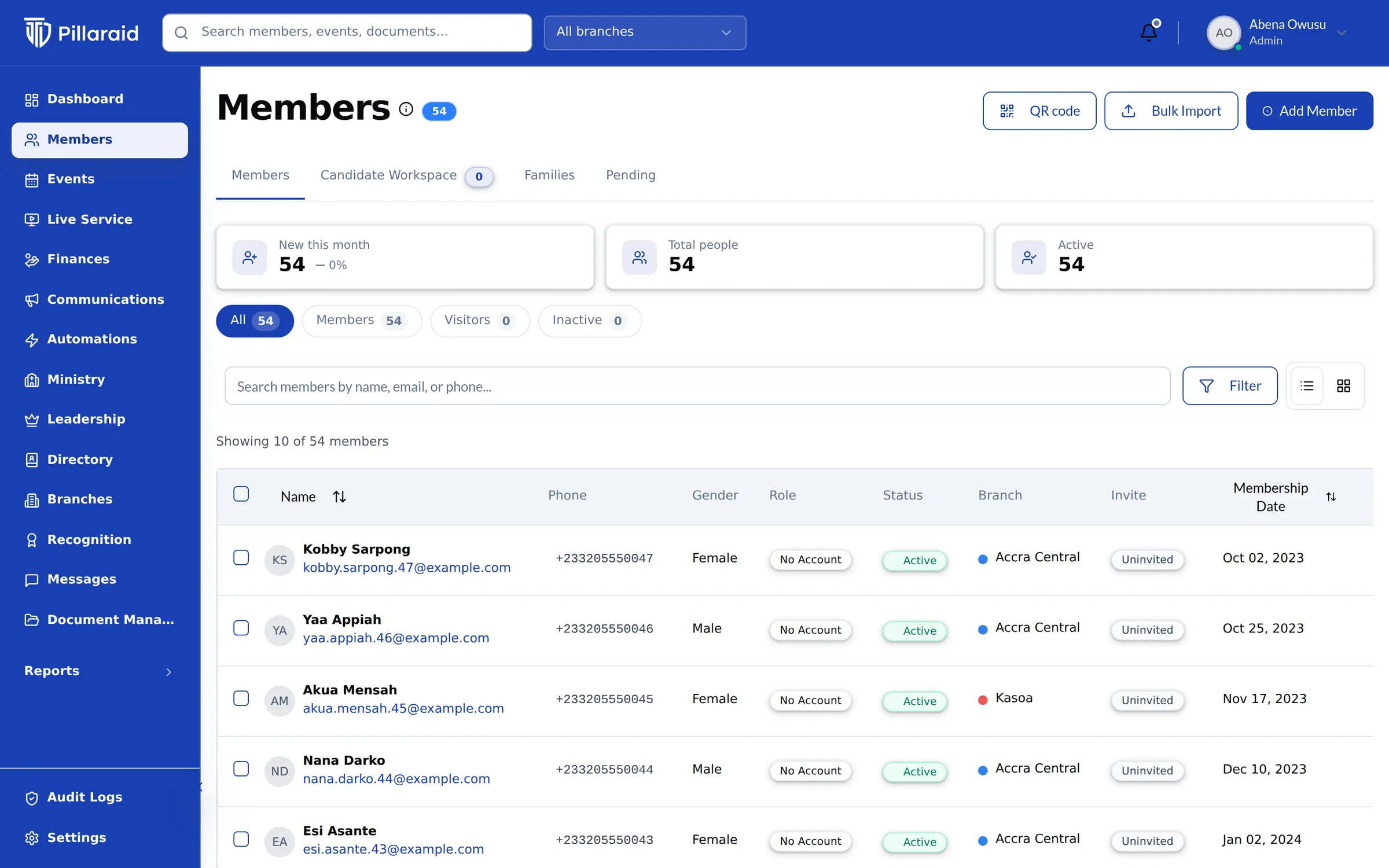
A directory members are comfortable being in.
Nobody appears until they say yes, and each member chooses what is shown. Flip the switches and watch the listing change.
My directory privacy
- Show me in the member directoryOff by default. Nobody appears until they say yes
- Show my phone numberOnly if you're happy for members to call you
- Show my email addressHidden unless you switch it on
Consent recorded. You can change this any time.
How other members see you
Abena Owusu
Choir, Women's Fellowship
- abena.o@example.com
Senior Pastor to Deaconess, the way your church names them.
Start from a template for your tradition (General, Pentecostal, Presbyterian, Methodist or Charismatic), then rename or add offices. Terms, branches and history are kept for every appointment.
Senior Pastor
Pastor Kwame Asante
Ordained ministry
- Associate Pastor
- Youth Pastor
Lay officers
- Elders
- Deacons
- Deaconesses
Administration
- Church Secretary
- Treasurer
Holding an office doesn't give anyone app access. Access comes from the role you assign: an Elder can be on the list without ever signing in.
Everything in People.
- Households & families
- Link spouses, children and relatives so family check-in and giving statements just work.
- Church offices
- Senior, Associate and Branch Pastors, Elders, Deacons, Deaconesses. Templates for Generic, Church of Pentecost, Presbyterian, Methodist and Charismatic churches.
- Segments
- Build lists like “youth who joined this year” once and reuse them for messages and reports.
- Duplicate merge
- Two records for the same person? Merge them and keep the history of both.
- Opt-in directory
- Members decide if they appear and which details are shown. Nothing is public by default.
- Roles & privacy
- Ushers, treasurers, ministry leaders and pastors each see only what their role allows.
One record, from first visit to faithful member
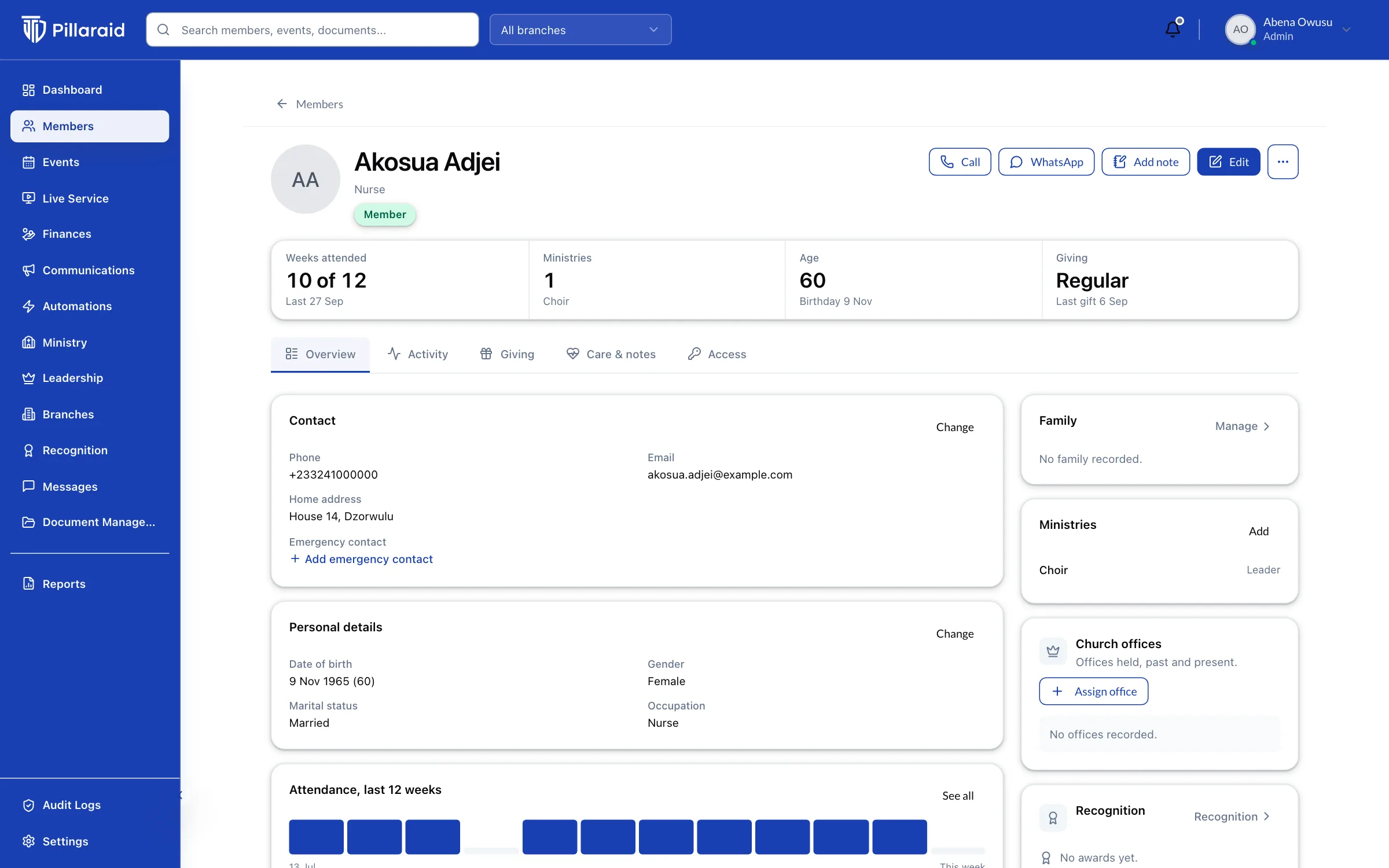
The newcomer who scanned the join poster, the family that checks in together, the elder with a term of office: it's one living record, kept current by the people themselves.
Works hand in hand with.
Questions about People.
Something else on your mind? Ask on a demo call, or write to support@pillaraid.com.
Yes. Upload an Excel or CSV file and PillarAid maps the columns, flags likely duplicates and lets you merge them before anything is saved.