Skip to content

Eight areas. One record of your people.

Every part shares the same people and permissions, so a check-in, a MoMo gift and a follow-up all tell one story.

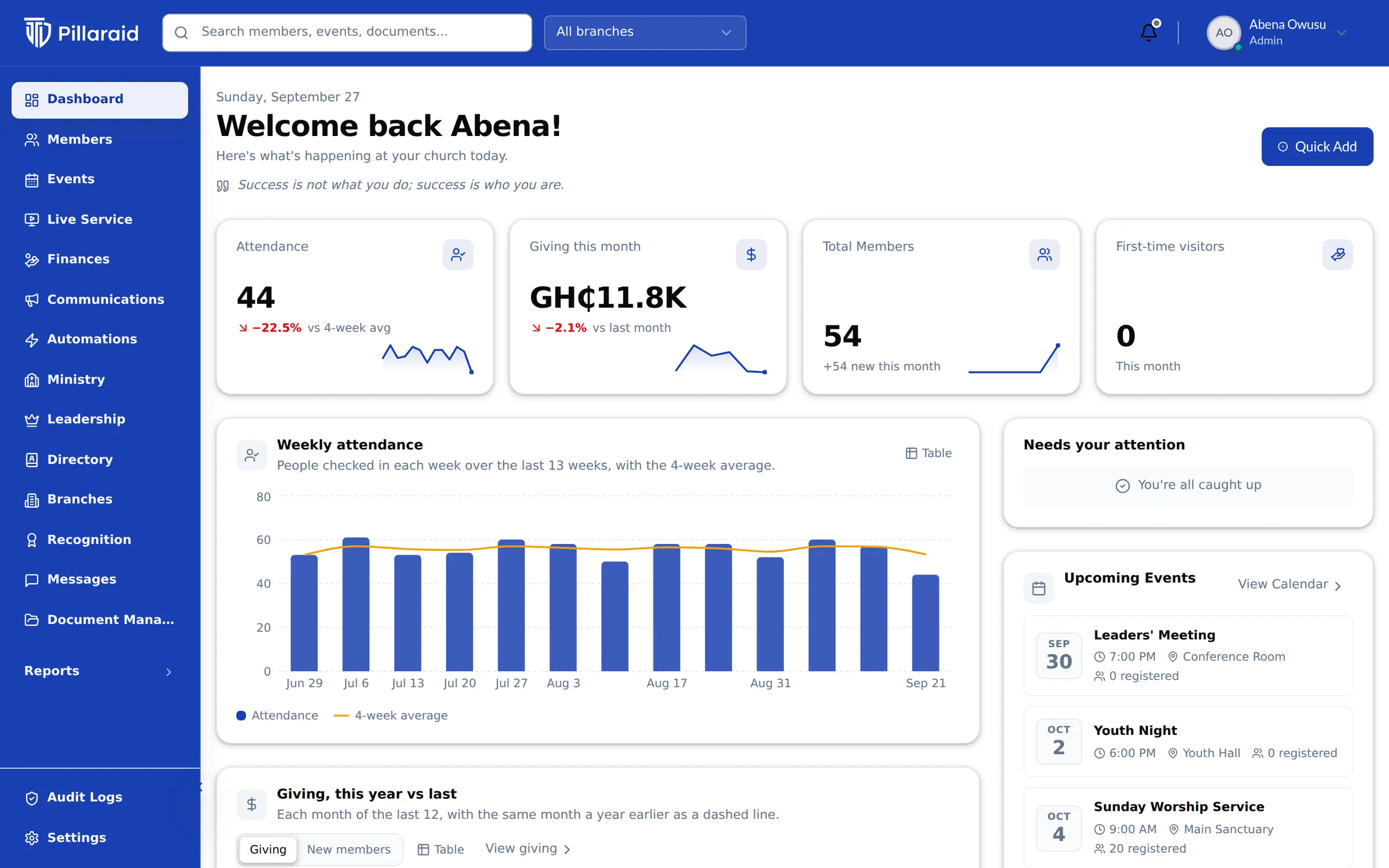
PillarAid dashboard showing this week's attendance, a weekly attendance chart and a getting-started checklist

Everything your church runs on.

Each area is a complete tool, and they work better together because they share the same people.

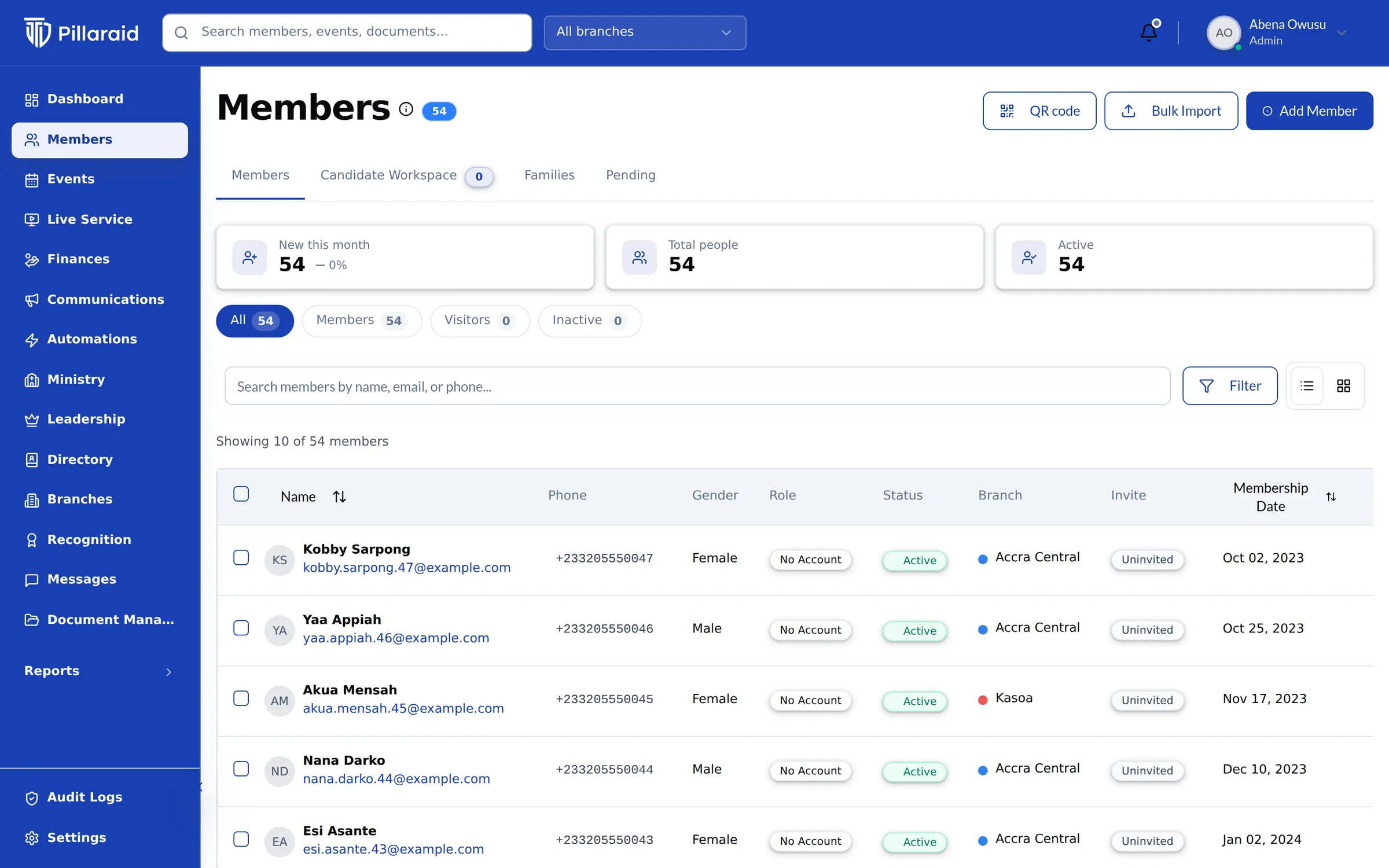
  1. Members list with search, filters and member status

    People & Directory

    Members, families and church offices, with privacy built in.

    How People works
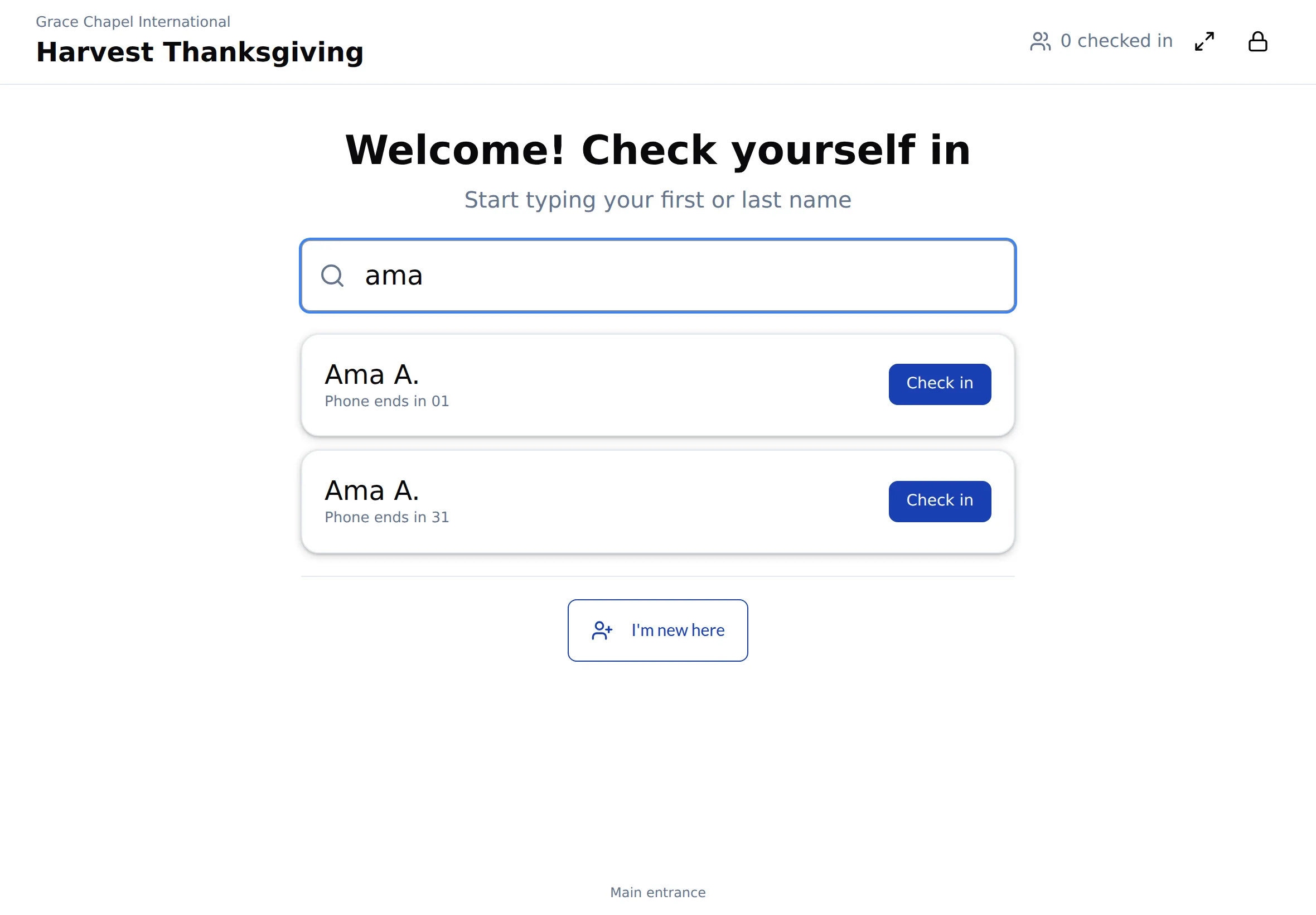
  2. Self check-in kiosk showing search results for Ama, each with the last digits of their phone number and a Check in button

    Attendance & Check-in

    QR code check-in from members' own phones, a tablet kiosk, trends and drifting-member alerts.

    How Attendance works
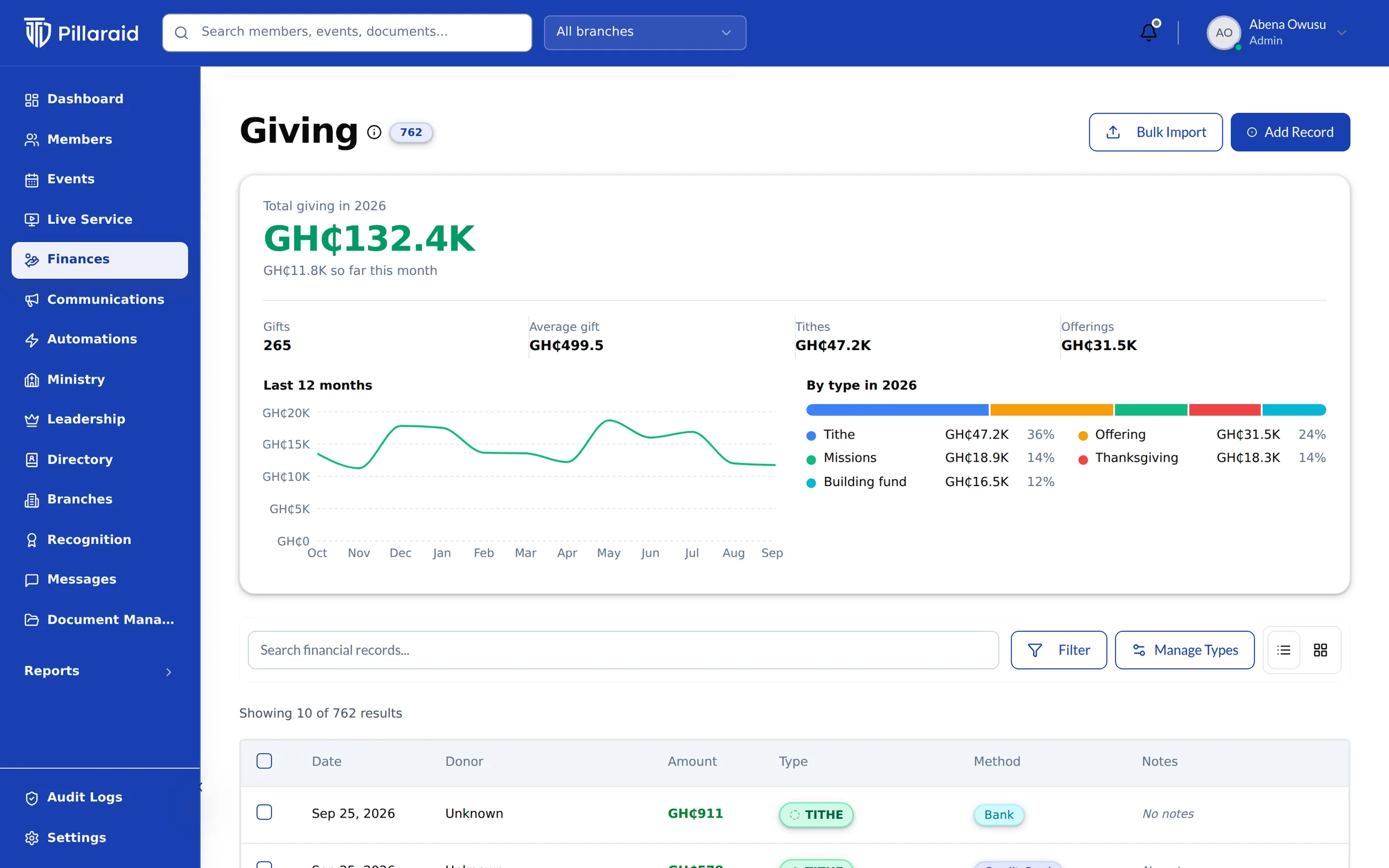
  3. Giving page with total giving for the year in cedis, a 12-month trend and a breakdown by tithe, offering, missions and building fund

    Giving & Mobile Money

    Tithes and offerings by MoMo, card, bank or cash, with receipts.

    How Giving works
  4. PillarAid dashboard showing this week's attendance, a weekly attendance chart and a getting-started checklist

    Communications & Automations

    SMS, email, WhatsApp and push, and follow-ups that run themselves.

    How Messages works
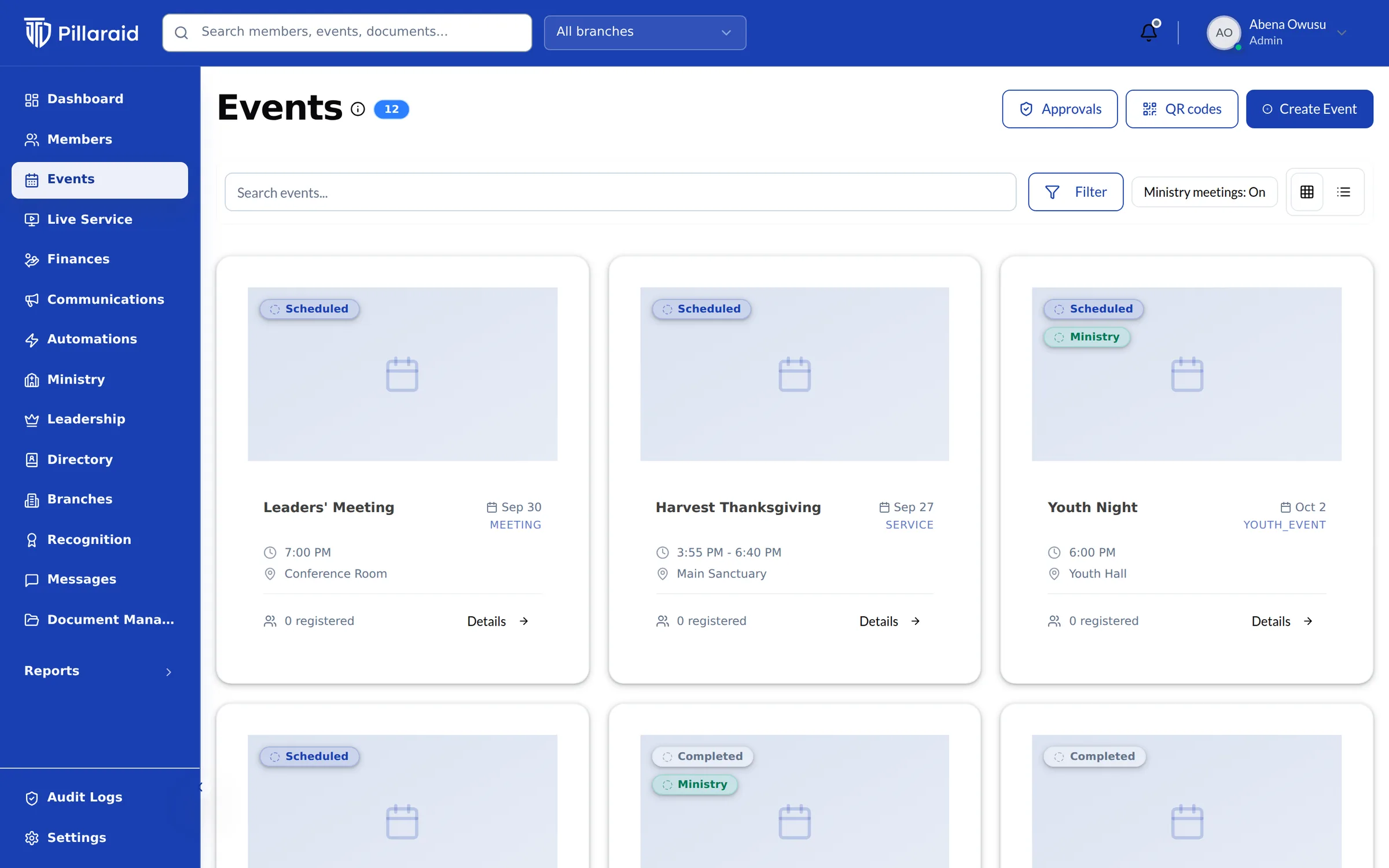
  5. Events page with upcoming services, meetings and youth events

    Events & Ministries

    Unlimited events, registrations, ministries, volunteers and recognition.

    How Events works
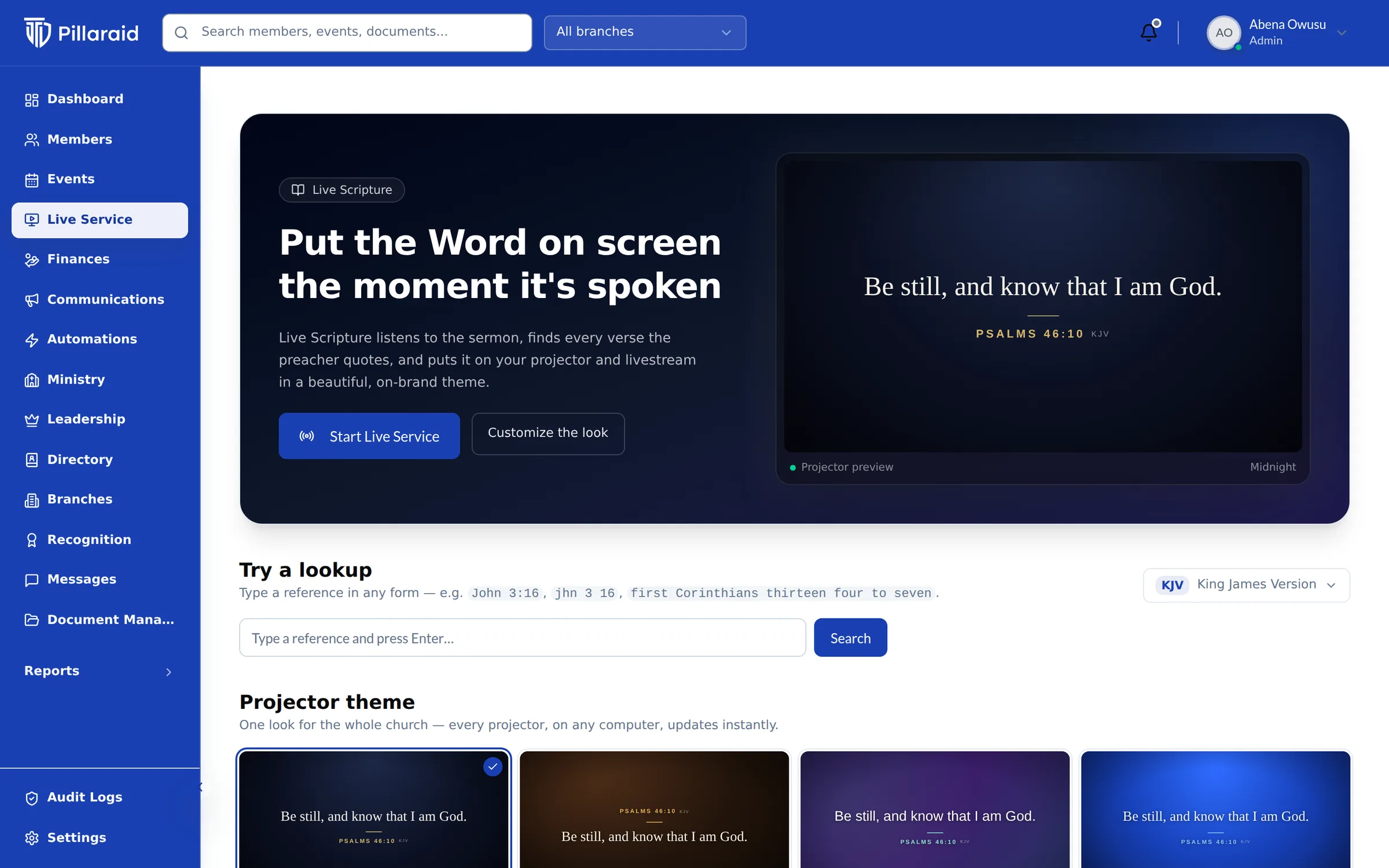
  6. Live Scripture page with a projector preview showing Psalm 46:10 and a choice of projector themes

    Live Scripture

    The verse on screen the moment the preacher says it.

    How Live Scripture works
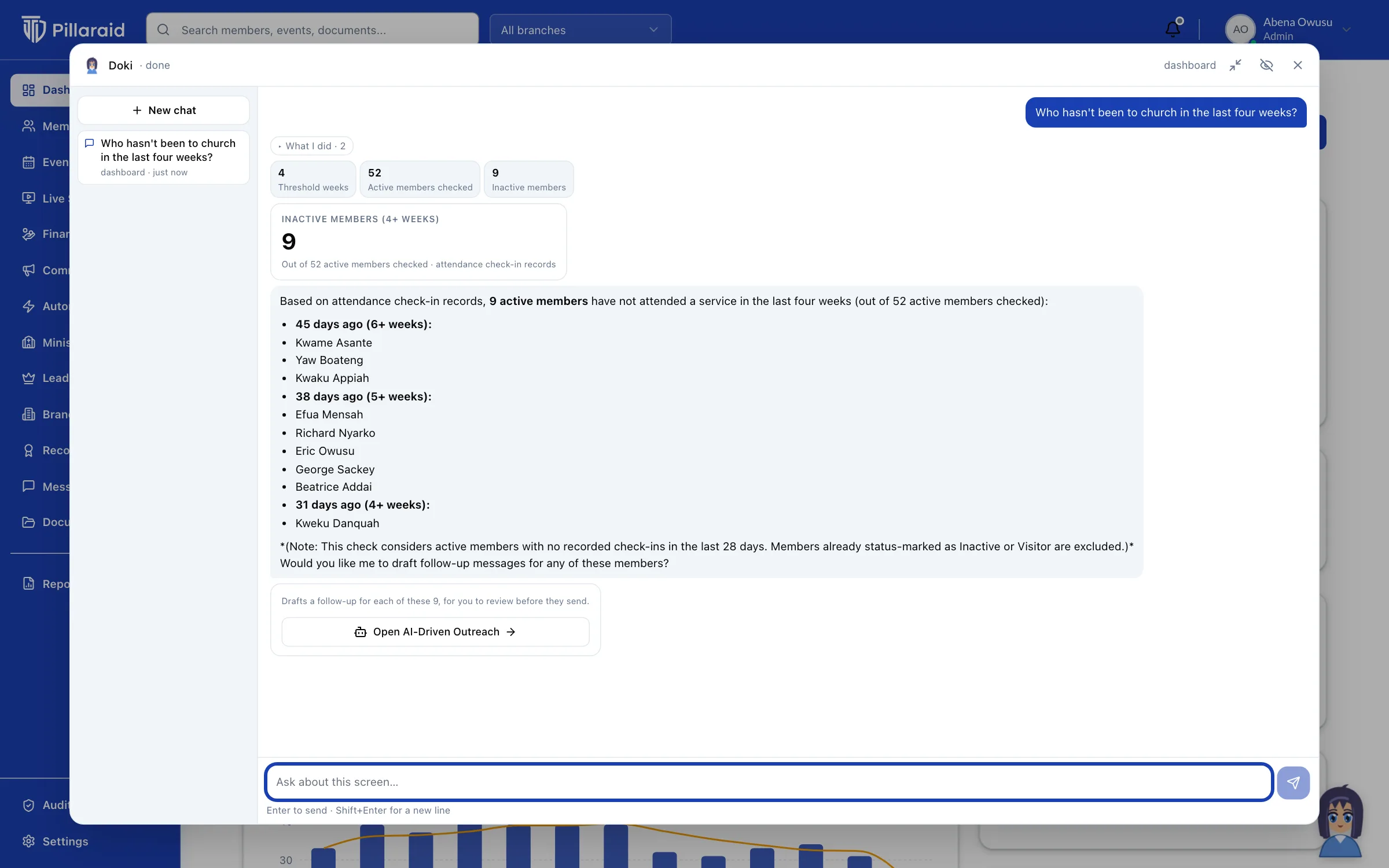
  7. Doki answering who has not been to church in the last four weeks, with the names and a follow-up to draft

    Doki, your church assistant

    Ask about your church in plain words. Get answers, charts and drafts.

    How Doki works
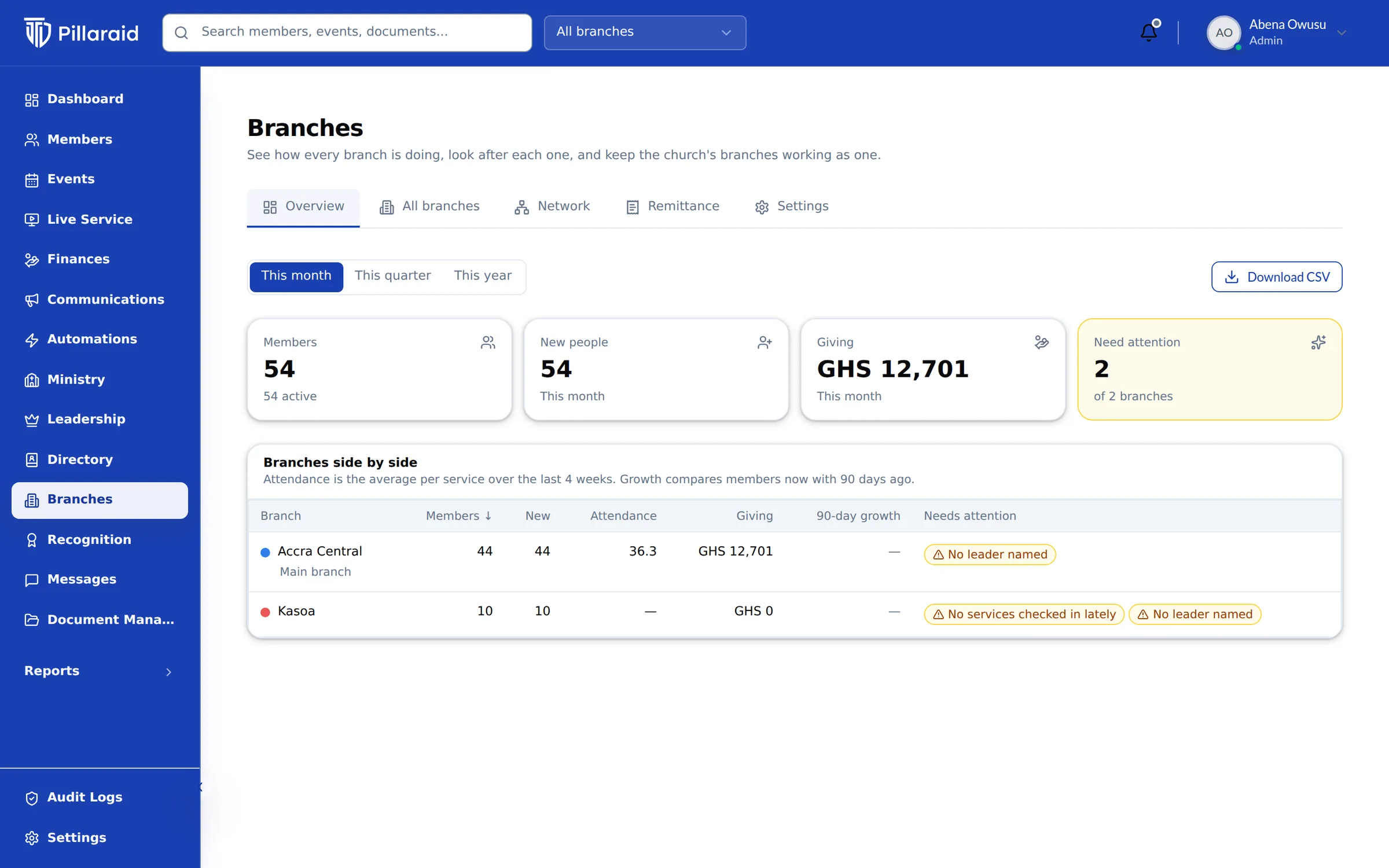
  8. Branches overview comparing members, new people, attendance and giving side by side for each branch

    Branches & Networks

    Every branch on its own, and the whole church together.

    How Branches works

One member, one record, five areas.

Nothing is typed twice. Each area writes to the same person, and each role reads only its part.

Abena is an example member. Times are sample data.

  1. 8:40am Sun

    Abena scans the QR code at the door.

    Attendance records the check-in against her own record, the one every other area uses.
  2. 11:15am Sun

    She gives her tithe by MoMo.

    Giving files it as a tithe, sends her a receipt and adds it to the year-end statement she can download.
  3. 2:00pm Sun

    The welfare team sends a WhatsApp.

    Messages goes only to members who have not opted out, and the message sits on her record with the others she was sent.
  4. 6:30pm Wed

    She registers for youth night as a volunteer.

    Events puts her on the rota for the ministry she serves in. Her ministry leader sees her; the treasurer does not need to.
  5. 9:00am Fri

    Her pastor asks Doki who has missed three Sundays.

    Doki answers from the same records, and only with what a pastor is allowed to see. Abena is not on the list.

Everyone sees what they should.

Pastoral care needs trust. The same rules apply to screens, reports, exports and Doki.

How we protect your data
What each role can see in PillarAid
DataPastorTreasurerMinistry leaderMember
Member recordsYesLimitedLimitedLimited
Pastoral notes and the drifting listYesNoNoNo
Giving totalsYesYesLimitedLimited
Who gave whatLimitedYesNoLimited
Messages to the churchYesNoLimitedNo
Pastor
Sees the whole church and pastoral care. Giving totals, not who gave what, unless an administrator grants it.
Treasurer
Records gifts, issues receipts and statements. No pastoral notes.
Ministry leader
Sees the people in the ministries they lead, and their ministry's giving total.
Member
Sees their own record, household and giving, and the opt-in directory.

Doki and Live Scripture.

Doki answers questions about your church.

Ask in plain words. Doki answers from your own records with a chart or a list, drafts the message, and sends nothing until you approve it.

YouHow did giving compare to last year?

DokiUp on last year, mostly in tithes. Here is the chart by month.
An example conversation.
Meet Doki

Live Scripture puts the verse up as it is preached.

It listens to the sermon, recognises Bible references as they are spoken and puts the verse on your projector and livestream.

Be still, and know that I am God.

PSALM 46:10 (KJV)

The projector view, Midnight theme.
See Live Scripture

See all eight with your own church in mind.

A 30-minute call. We walk through your ministries, your giving and your Sunday, then you decide.

14-day free trial on paid plans. Most churches are set up in a day.

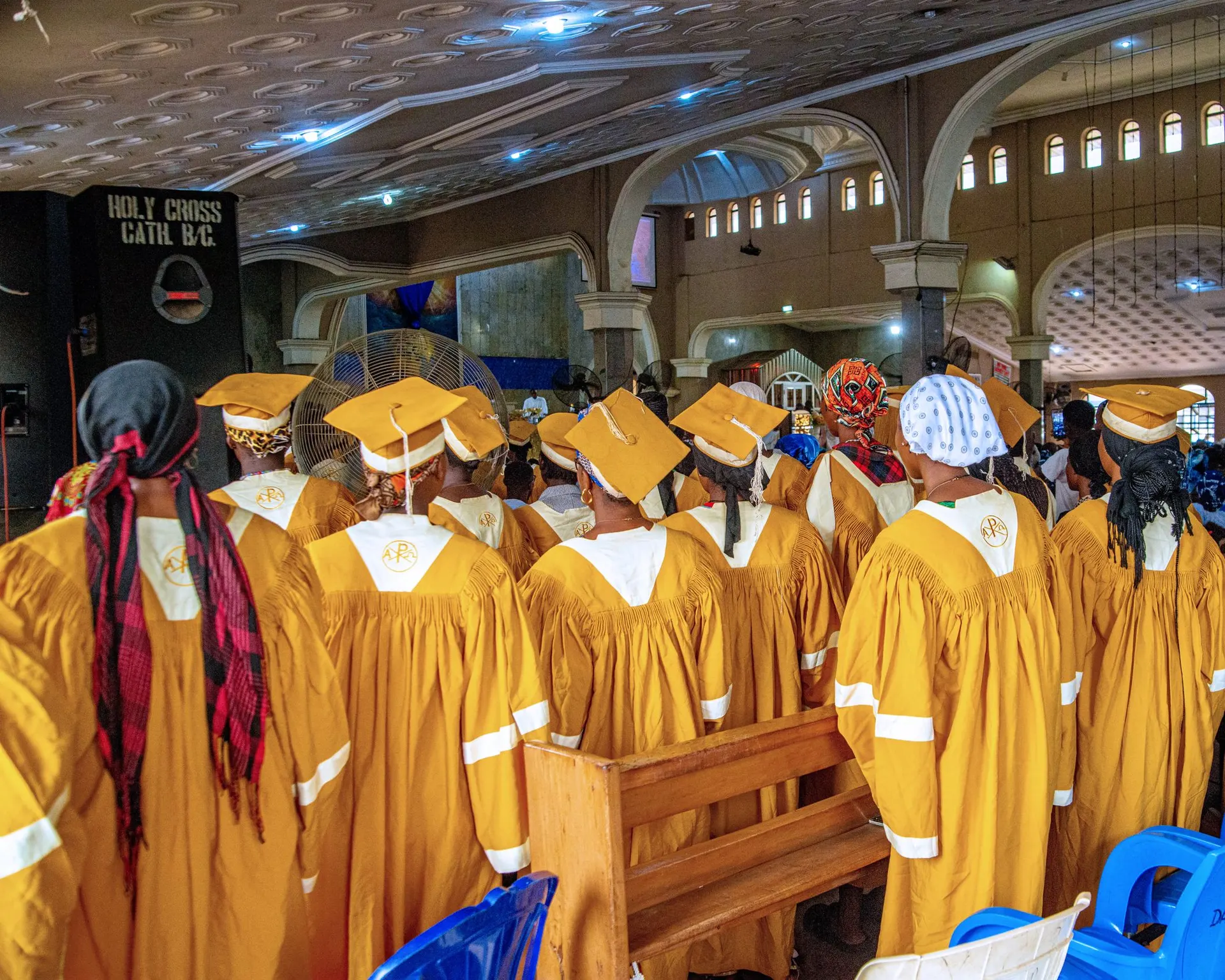
Choir in golden robes standing in the pews of a cathedral